Multi-school control
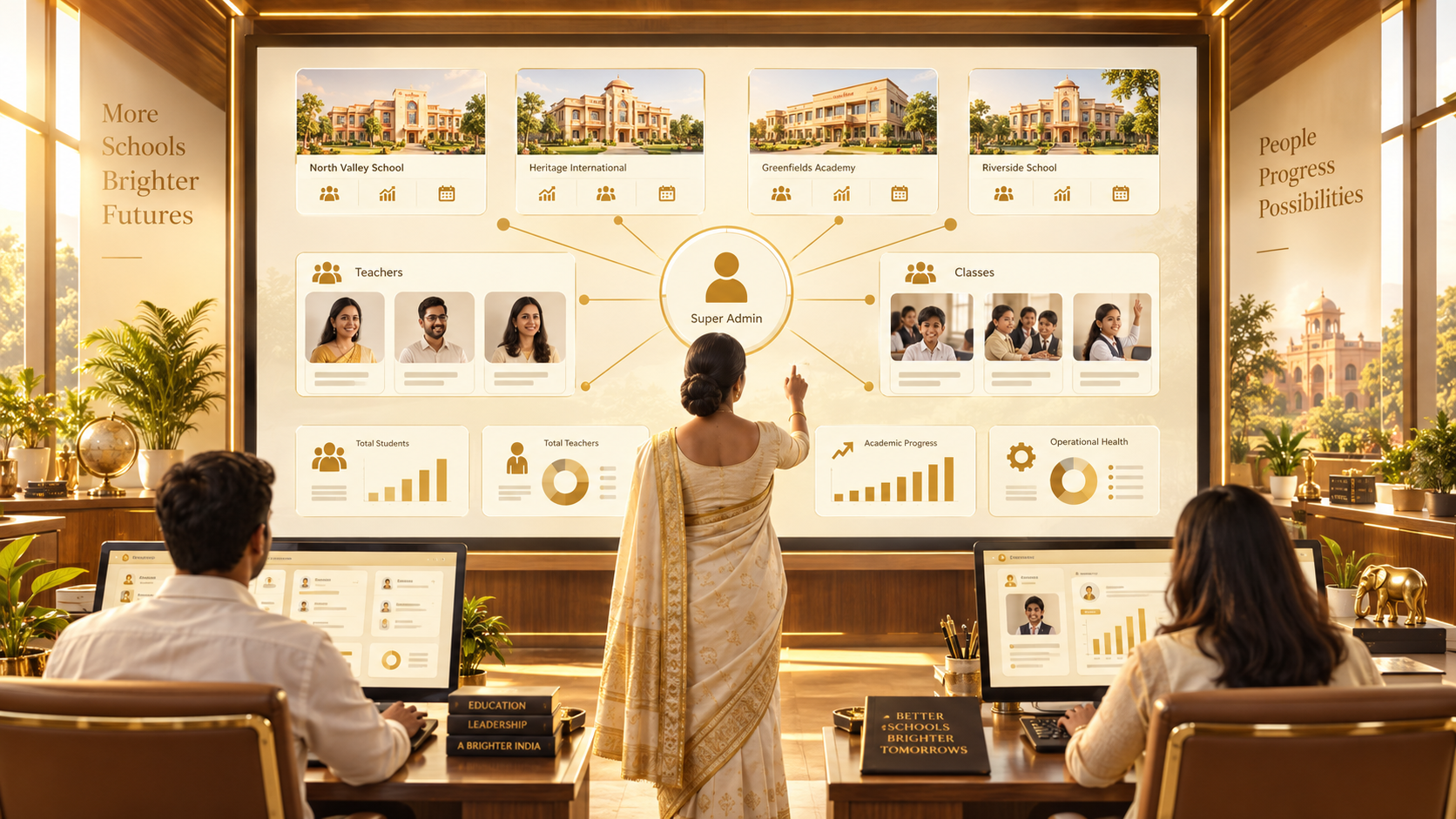
Manage every partner school from one Super Admin console.

RoboGuru School Platform
A secure multi-school management layer gives central oversight while each school independently manages its own teachers and assignments.
Manage every partner school from one Super Admin console.
Generate secure school identity and controlled access.
Create School Admin and Teacher accounts with assignments.
Assign teachers by Class, Section and Subject.
Every school sees only its own people and data.
Activate, suspend and support school operations centrally.
Clear role boundaries
Adds multiple schools, generates credentials, controls activation and oversees the network.
Sees only its school, creates teachers and assigns Class, Section and Subject.
Signs in using the School Code and Teacher Login ID to access assigned learning work.
School onboarding
Super Admin opens Admin & Permissions.
Create the school and generate its Unique School Code.
Copy the School Admin Login ID and one-time temporary password.
School Admin signs in and creates Teacher accounts.
Assign each teacher by Class, Section and Subject.
Activate teaching operations; suspend or reactivate accounts when required.
Passwords are not stored as plain text. The generated temporary password is shown only during account creation and must be copied securely.