
K-12 AI Smart Classroom Solutions • 6 min
K-12 Smart Classroom Setup: Content, Devices and Teacher Workflow
K-12 Smart Classroom Setup: Content, Devices and Teacher Workflow. A practical guide for school leaders planning connected classroom adoption.
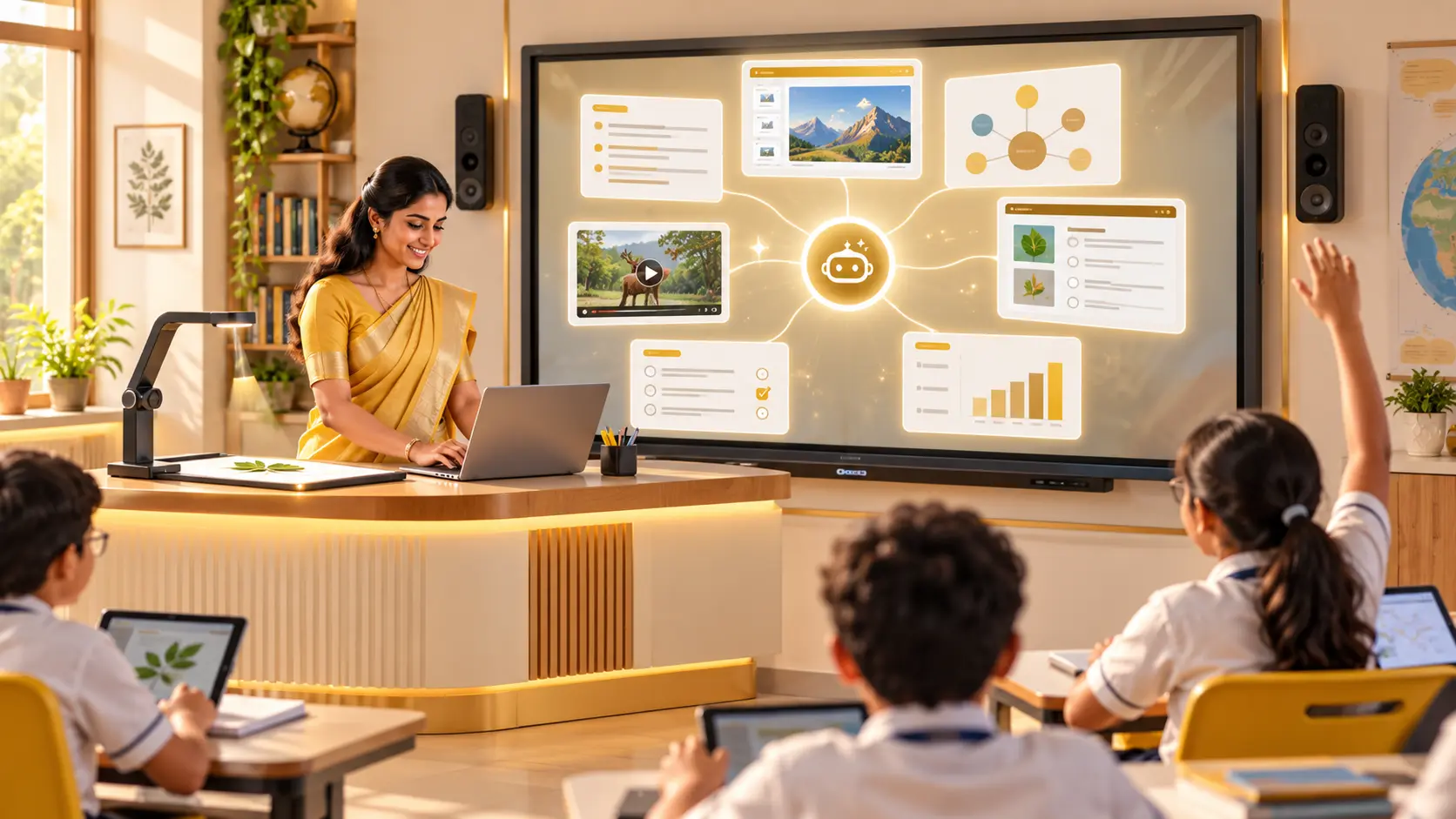
Start with the school workflow
Define classes, timetable, room constraints, teacher roles and the learner task before choosing a technology package. The workflow should remain clear when the device or platform is unavailable.
Plan adoption and evidence
Use an induction, guided practice, classroom trial and review cycle. Track usage, teacher confidence, completed work and issues so decisions stay grounded in school evidence.
Confirm support and scope
Ask what is included in installation, content, training, access, maintenance, privacy, migration and post-launch support. Record assumptions before comparing proposals.
This learning and operations guide focuses on what happens after launch. For K-12 AI Smart Classroom Solutions, the practical test is whether teachers can repeat board-relevant digital content, classroom devices, teacher workflow and phased adoption and whether the school can review lesson plans, learner work, usage records and teacher review notes.
Before approval, write down the assumptions that could change the result: room readiness, active learner capacity, staff ownership, timetable, connectivity, consumables, maintenance and review cadence. For this solution, pay particular attention to content verification, age appropriateness, offline continuity and responsible technology use. Any policy, compatibility, security or outcome claim should be checked against the current source and the provider's written scope.
Implementation steps
Confirm users and intended outcomes
Document who will use K-12 AI Smart Classroom Solutions, how often and what teachers or school leaders need to observe.
Validate room and operating readiness
Check the space, timetable, infrastructure, supervision and content verification, age appropriateness, offline continuity and responsible technology use.
Rehearse before full launch
Run a small pilot around board-relevant digital content, classroom devices, teacher workflow and phased adoption, record issues and adjust responsibilities.
Review and improve
Use lesson plans, learner work, usage records and teacher review notes to decide what needs support, replenishment or a later phase.
Questions to settle before the next decision
- Can it run on an Interactive Flat Panel
- Can it integrate with ERP or LMS
- Can schools implement it in phases
- Can you prepare an implementation plan
- How does K-12 AI Smart Classroom Solutions work in a school
| Review area | Evidence to request | Warning sign |
|---|---|---|
| Learning or operating fit | board-relevant digital content, classroom devices, teacher workflow and phased adoption | Equipment or features without a timetable workflow |
| Teacher and team readiness | Named owner, rehearsal and follow-up plan | One demonstration described as complete adoption |
| Evidence | lesson plans, learner work, usage records and teacher review notes | Outcome promises without a measurement method |
| Commercial scope | Itemised inclusions, exclusions and recurring needs | A headline price with unstated assumptions |
Planning references
Primary guidance and further reading
These references support the policy and implementation principles in this guide. Confirm product-specific features, compatibility and commercial scope in the current written proposal and demonstration.
Planning questions
Frequently asked questions
What should a school confirm before buying?
Confirm learning goals, users, room and network readiness, training, support, ownership, renewal and evidence requirements.
How should implementation be reviewed?
Review real classroom use, teacher feedback, learner work, support issues and agreed next actions after launch.
Can it run on an Interactive Flat Panel?
Yes. The classroom workflow can run on a compatible interactive flat panel, subject to operating system, browser, resolution, ports, performance and software-licence checks.
Can it integrate with ERP or LMS?
Integration may be possible through supported APIs, file exchange or sign-on, but the school must verify exact ERP or LMS compatibility, data ownership, permissions and support responsibility.
Can schools implement it in phases?
Yes. Schools can phase implementation by rooms, grades or departments, review teacher use and support issues, then expand after the first cohort works reliably.
Can you prepare an implementation plan?
Yes. The plan should cover room and network readiness, devices, content licences, teacher onboarding, pilot classrooms, support ownership, adoption evidence and phased rollout dates.
How does K-12 AI Smart Classroom Solutions work in a school?
The school combines compatible display and access devices, verified content, teacher preparation and a support routine, then reviews classroom use before expanding.
Related guides
Continue planning this solution

AI Curriculum for Schools: Readiness from Classes 3–8
Prepare learners for AI and computational thinking through safe, progressive activities.

Smart Classroom Cost and Support: A School Planning Checklist
Smart Classroom Cost and Support: A School Planning Checklist. A practical guide for school leaders planning smart classroom procurement.