Classroom
Projector, laptop and speakers create maintenance and engagement gaps.


Multipurpose Interactive Flat Panel
Teach, present, collaborate, train and manage through one powerful platform.
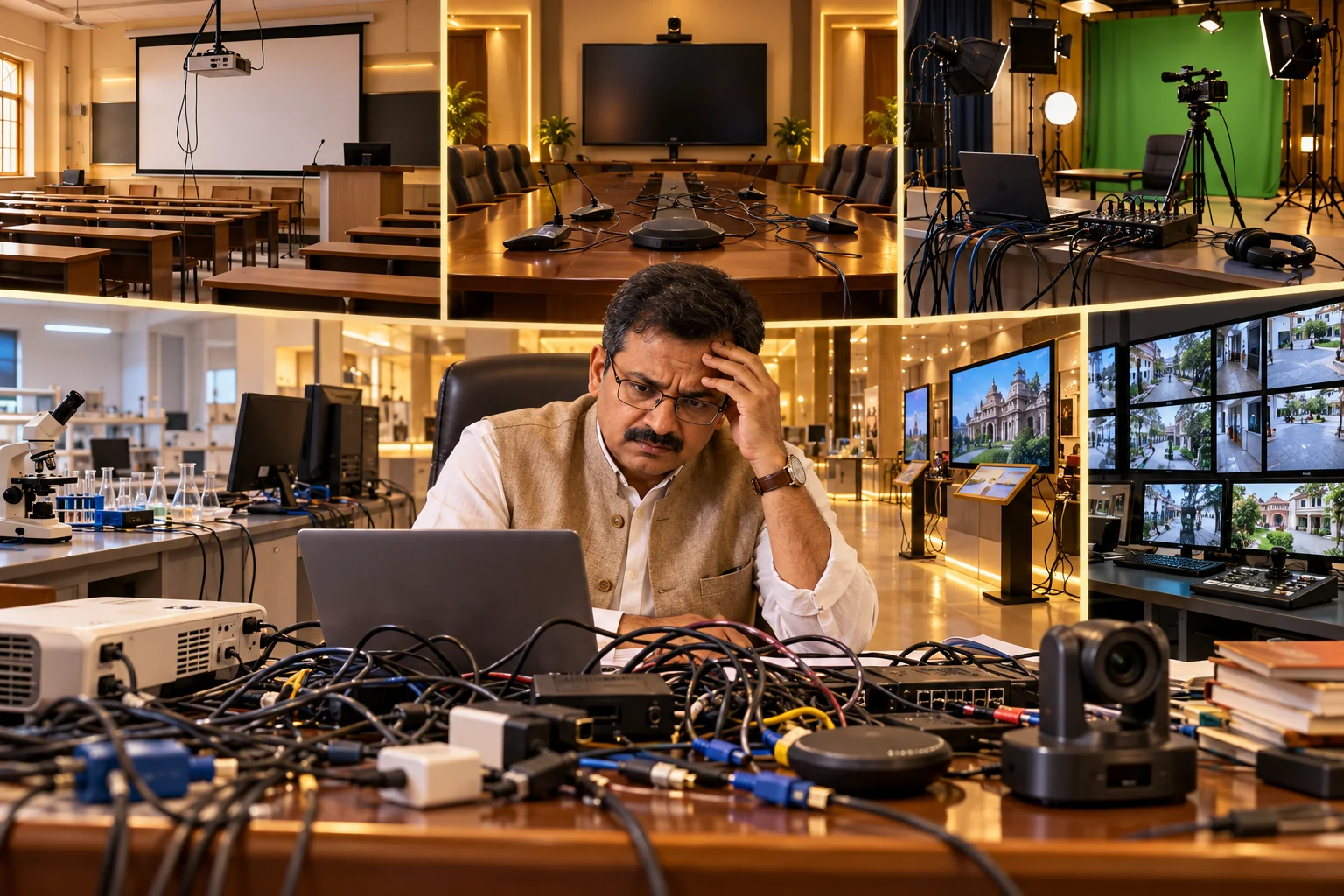
01 — The Problem
Separate projectors, displays, computers, cameras, microphones and media players increase cost, setup time and maintenance.
Projector, laptop and speakers create maintenance and engagement gaps.
Separate display, camera and microphone make meetings harder to start.
Camera, lights, microphone and computer work without one teaching surface.
Videos, simulations and 3D models remain difficult to demonstrate collaboratively.
Large displays, media players and cabling increase setup time and cost.
Multiple systems, monitors and wiring create operational complexity.
Multiple devices. Complex setup. Frequent maintenance. Low engagement. More wiring.
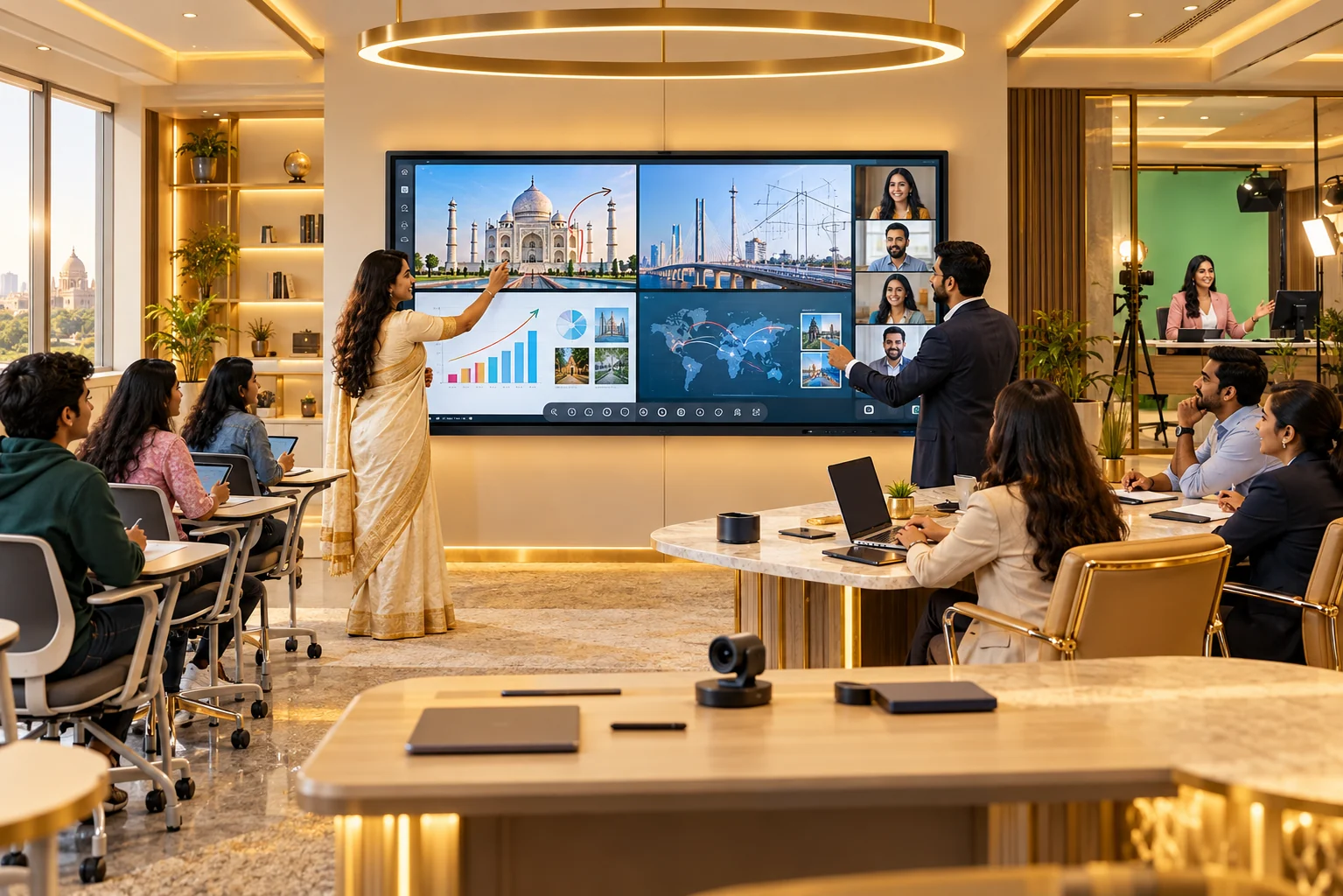
02 — The Solution
A single touch platform combines presentation, whiteboarding, content, wireless sharing, conferencing and collaboration.
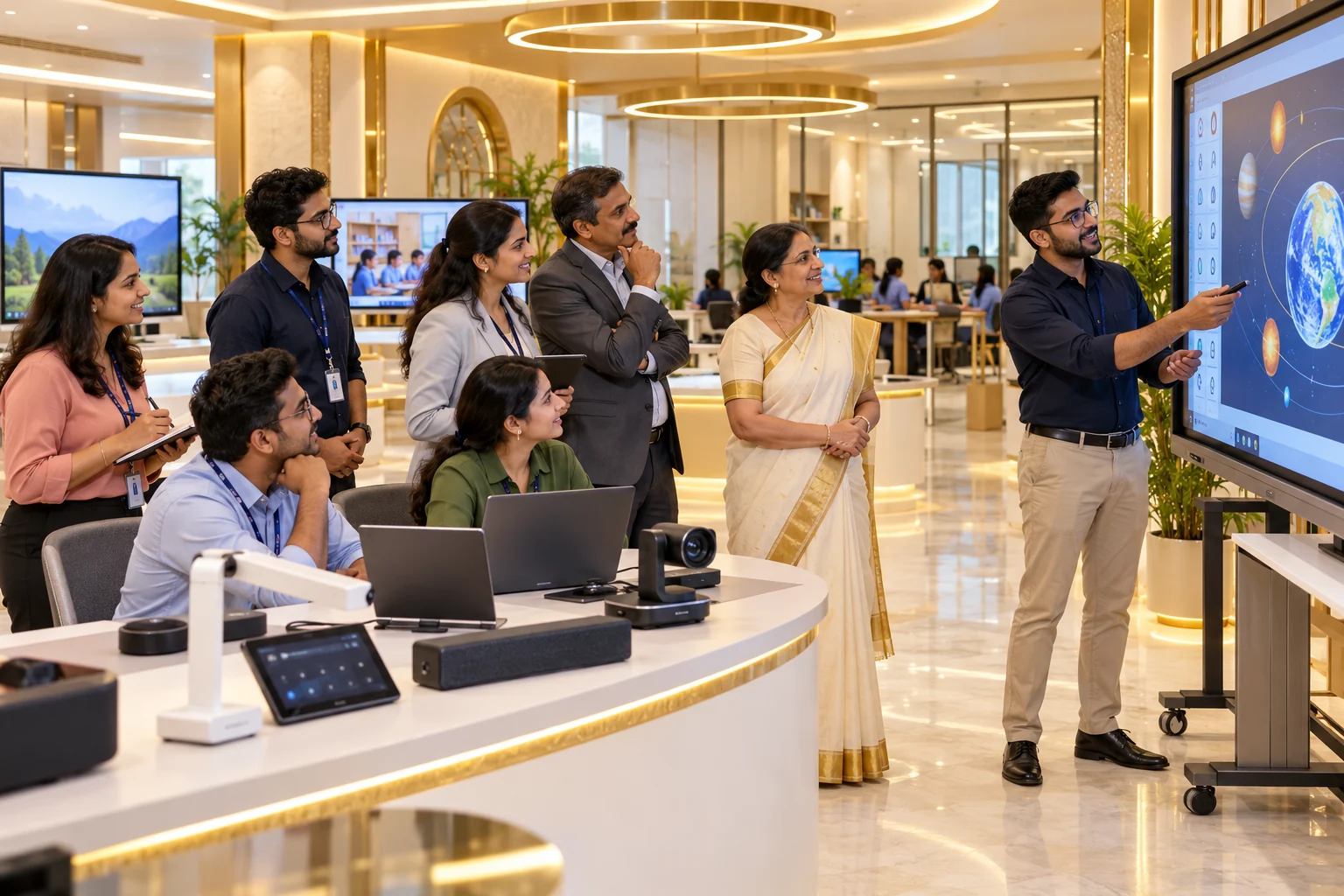
03 — Who We Are
Smart Yantra Labs delivers Interactive Flat Panels, digital solutions and end-to-end implementation for schools, institutions and organisations.
Education focused. Innovation driven. Customer centric. Complete solutions.
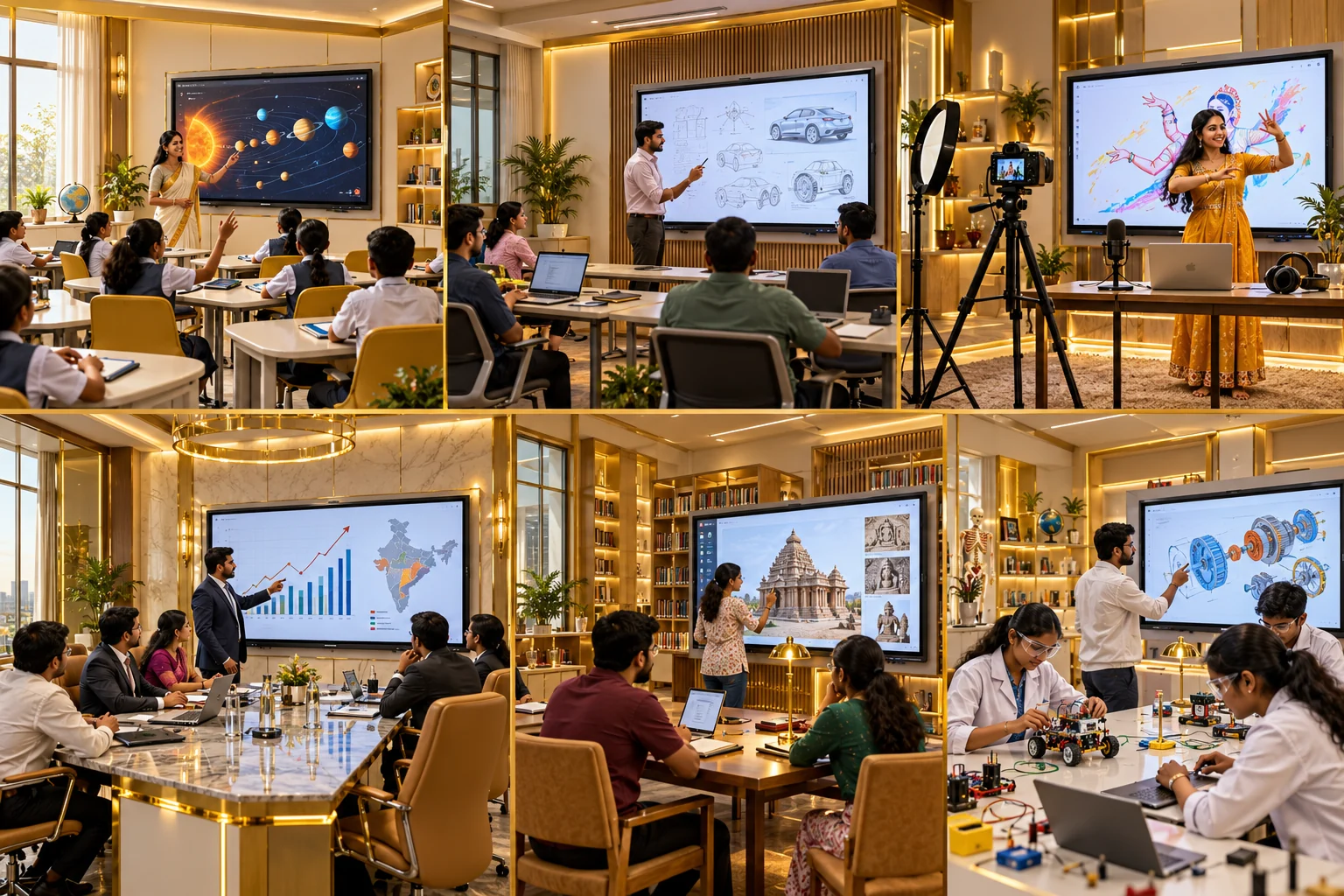
04 — What We Do
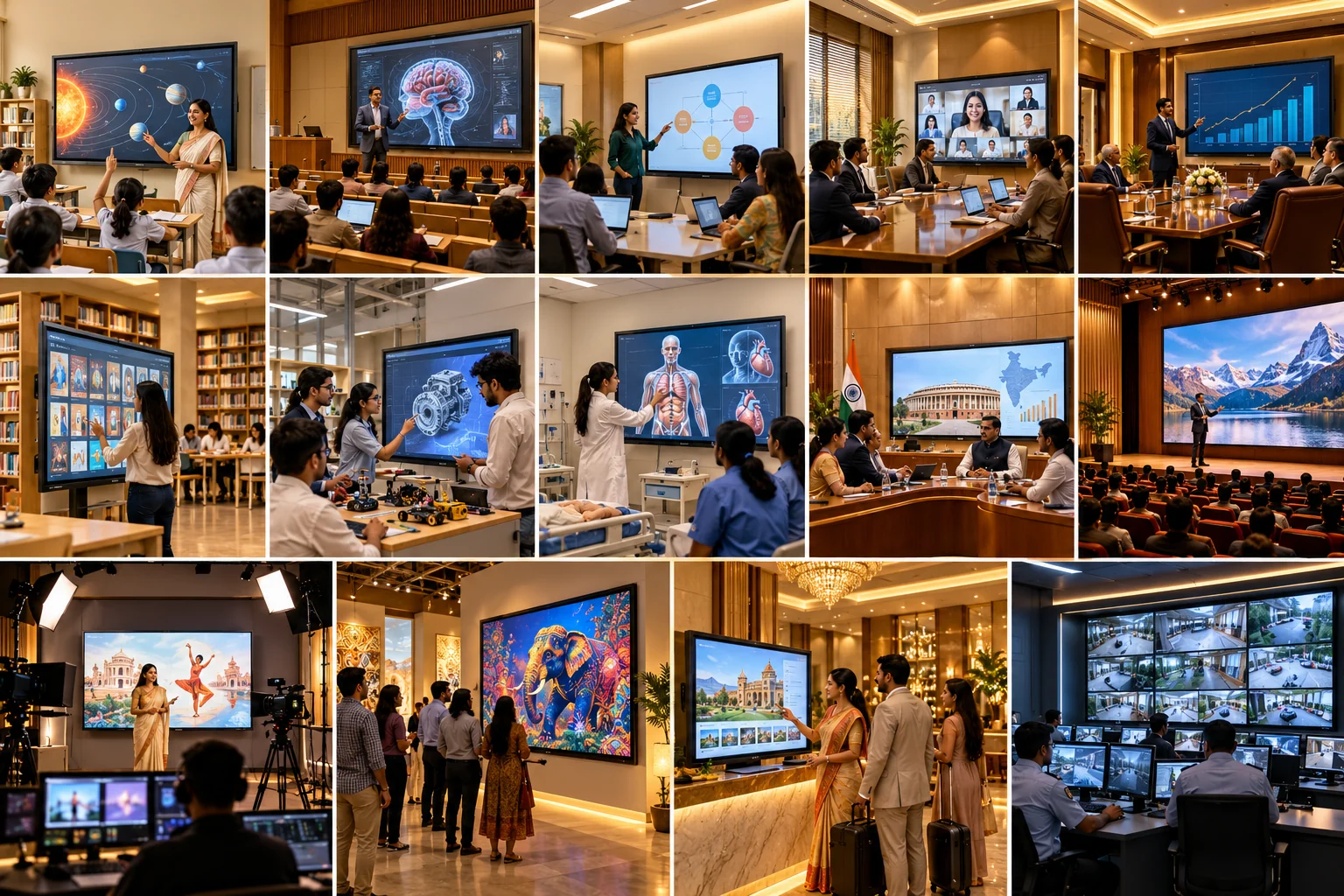
Purpose-fit interactive systems for learning, meetings, training, healthcare, government, hospitality and operations.
Interactive lessons, quizzes, board-aligned content and participation.
High-impact teaching, visibility and digital resources.
Workshops, demonstrations and professional skill development.
Record, stream and deliver hybrid classes.
Wireless presentation, video meetings and collaboration.
Premium presentations, annotation and data-led discussion.
Self-learning, research and multimedia access.
STEM simulations, scientific visuals and group learning.
Clinical education and case discussion.
Secure presentations, monitoring and review.
Large-screen presentations for bigger audiences.
Interactive product displays and demos.
Welcome information, promotions and guest communication.
Real-time dashboards and coordinated operations.
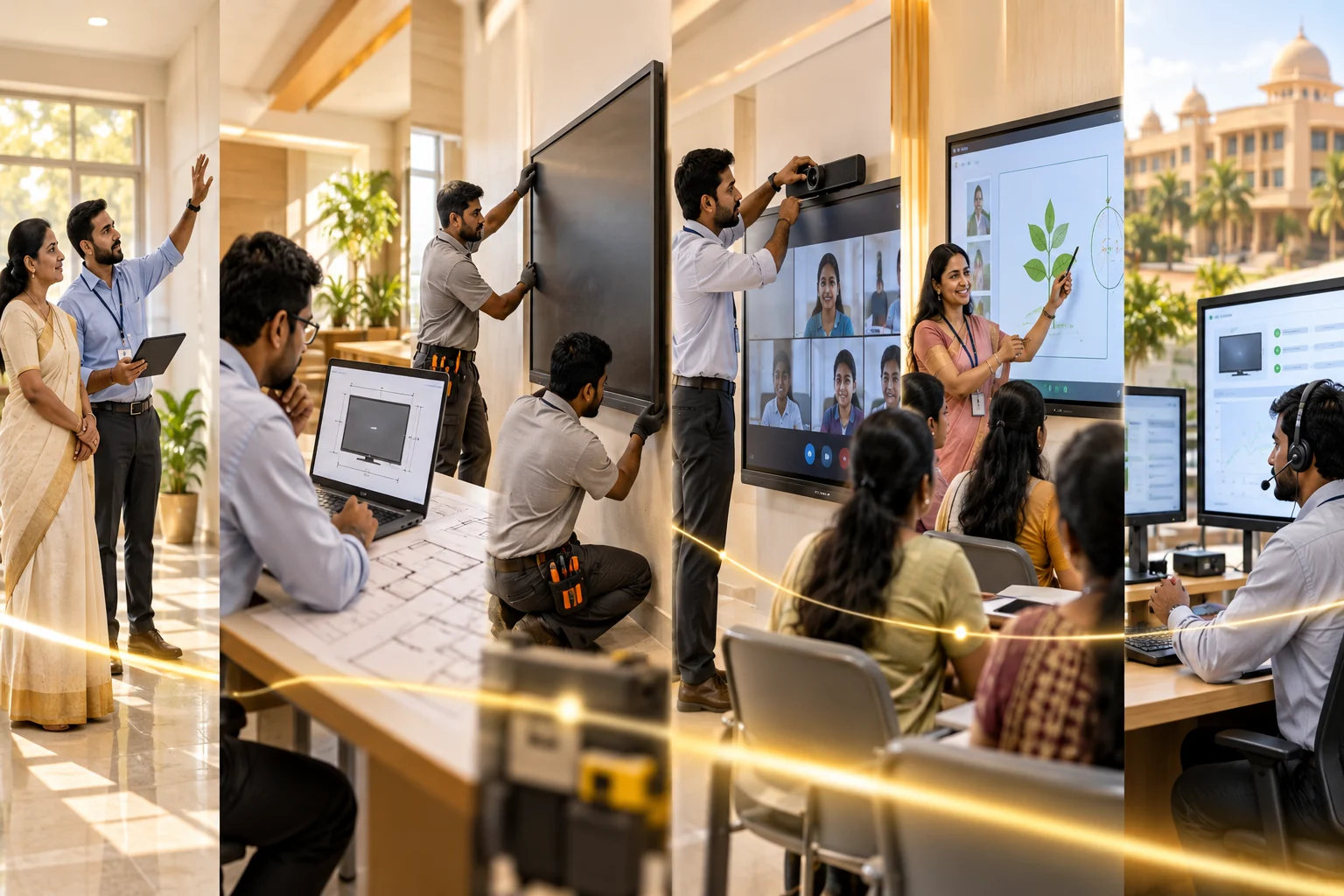
05 — How We Do It
Every stage is planned for adoption, uptime and long-term value.
Discuss goals, users, space type and use cases.
Assess room size, seating, lighting, power, network and layout.
Recommend panel size, mounting and accessories.
Complete mounting, cabling, testing and handover.
Configure apps, conferencing, ERP and workflows.
Provide hands-on training for teachers and staff.
Continue with remote help, onsite service and updates.
06 — One Panel. Every Possibility.
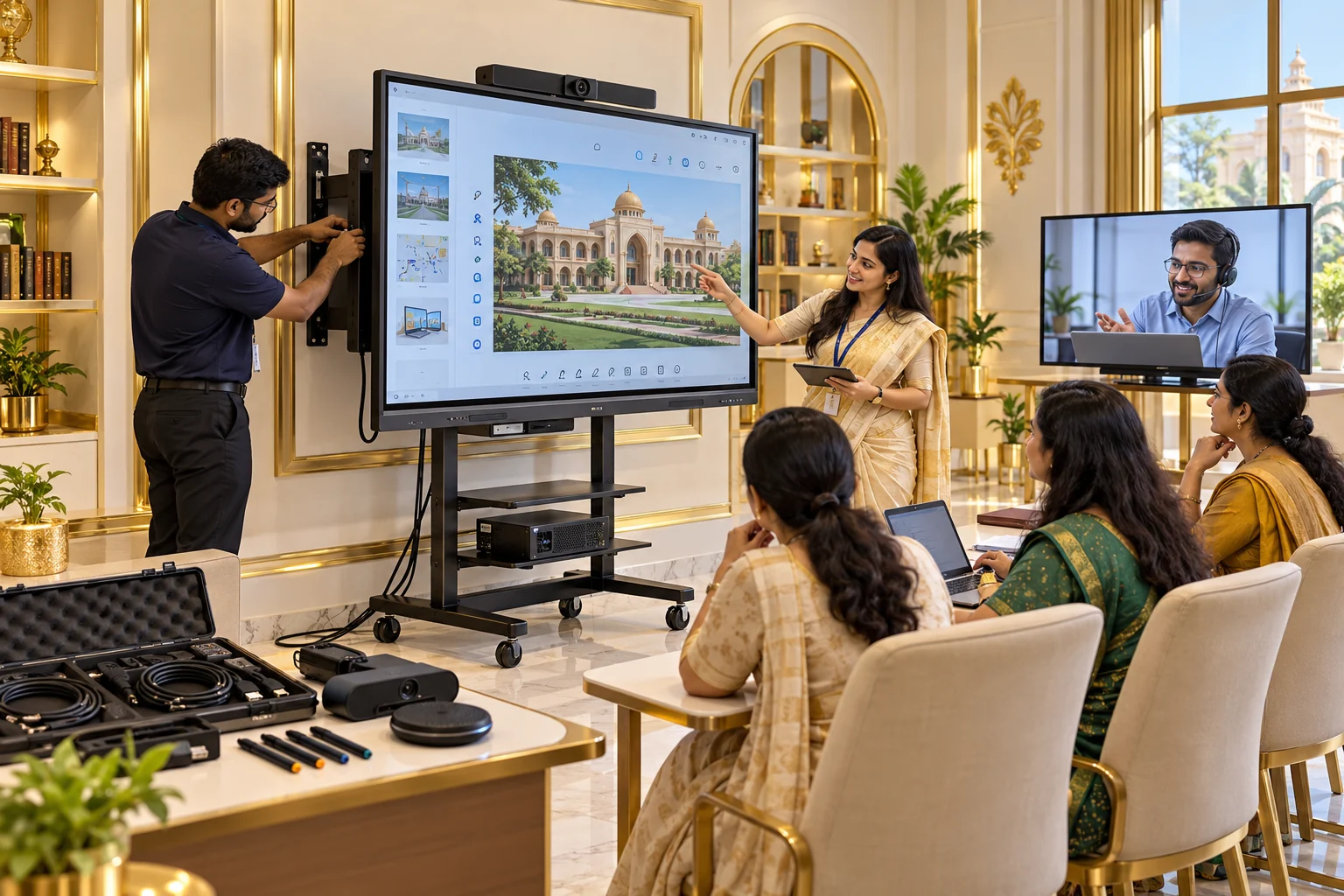
Choose the right size, mounting, accessories, applications and training for each environment.
07 — Why Smart Yantra Labs
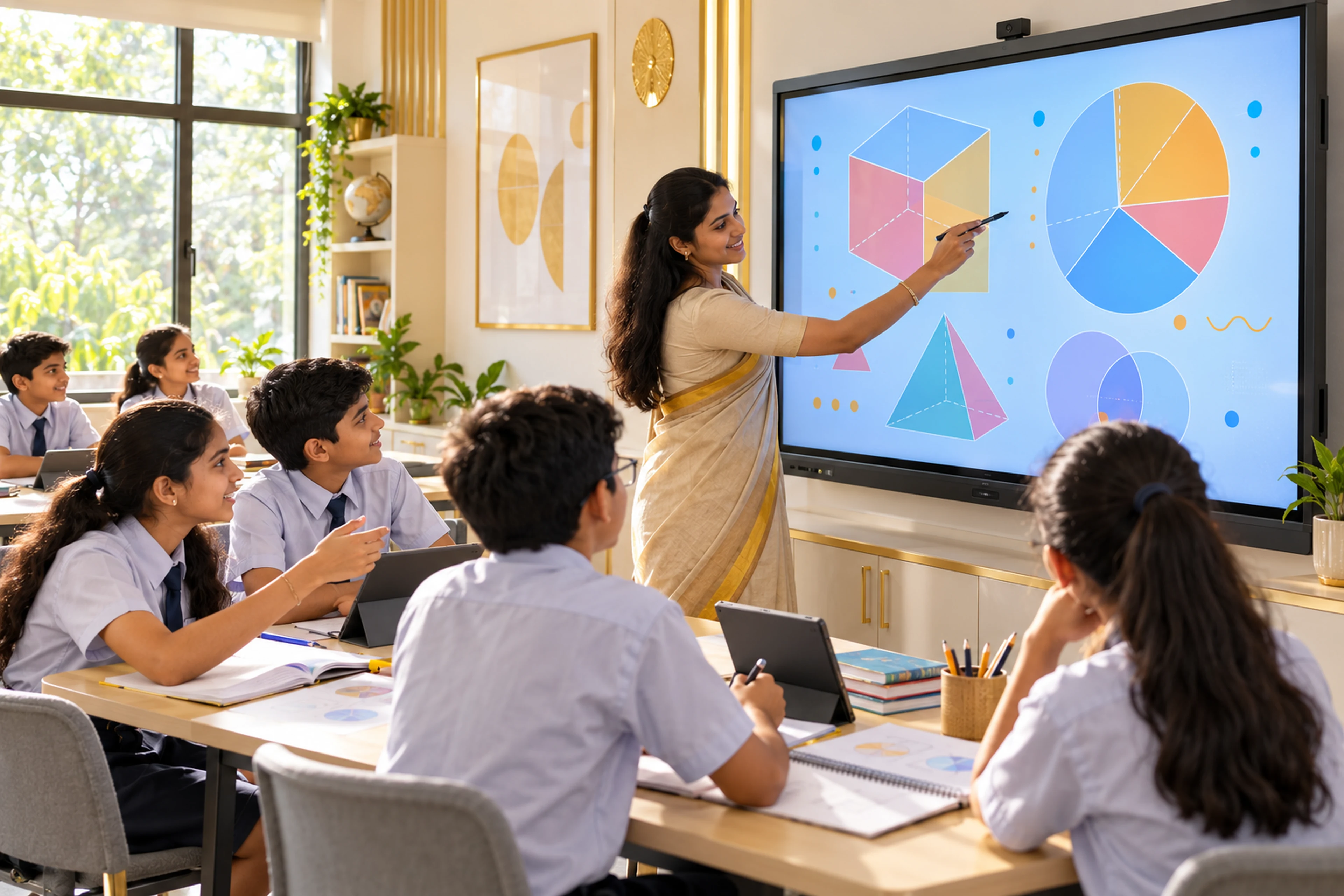
Board-ready tools, age-appropriate content and engaging learning.
Panel, mount or stand, camera, microphone, OPS and accessories.
Whiteboard, sharing, conferencing, AI tools and apps.
Class-wise videos, quizzes, worksheets, STEM, Robotics and Skill content.
Analysis, installation, configuration, training and handover.
Dedicated assistance, updates and maintenance options.
Premium products, complete solutions, continuous innovation, value for money and reliable support.
The value case is consolidation: presentation, whiteboarding, wireless sharing, multimedia and collaboration on one platform—plus use across classrooms, labs, studios, meetings and training.
Compare panel cost with projector/display + PC + whiteboard + media player + conferencing components where applicable.
Teaching, meetings, training, labs, presentations and hybrid sessions can share the same platform.
A unified touch workflow can reduce setup friction and disconnected-device complexity.
Saved annotations, digital content, apps and wireless sharing support repeat use rather than one-purpose hardware.
Illustrative 75-inch bundle assumptions from the shared guide. Results depend on actual admissions, operating savings, paid course use and implementation.
Planning example only: the guide’s admissions and revenue figures are not guaranteed or attributable to the panel alone. Verify fee, taxes, installation, maintenance, usage and the stated savings before making an investment decision.
Maximum value comes from implementation, teacher readiness, regular utilisation, review and visible outcomes—not hardware alone.
08 — Packages & Offer
Camera & Mic: ₹6,000 + GST
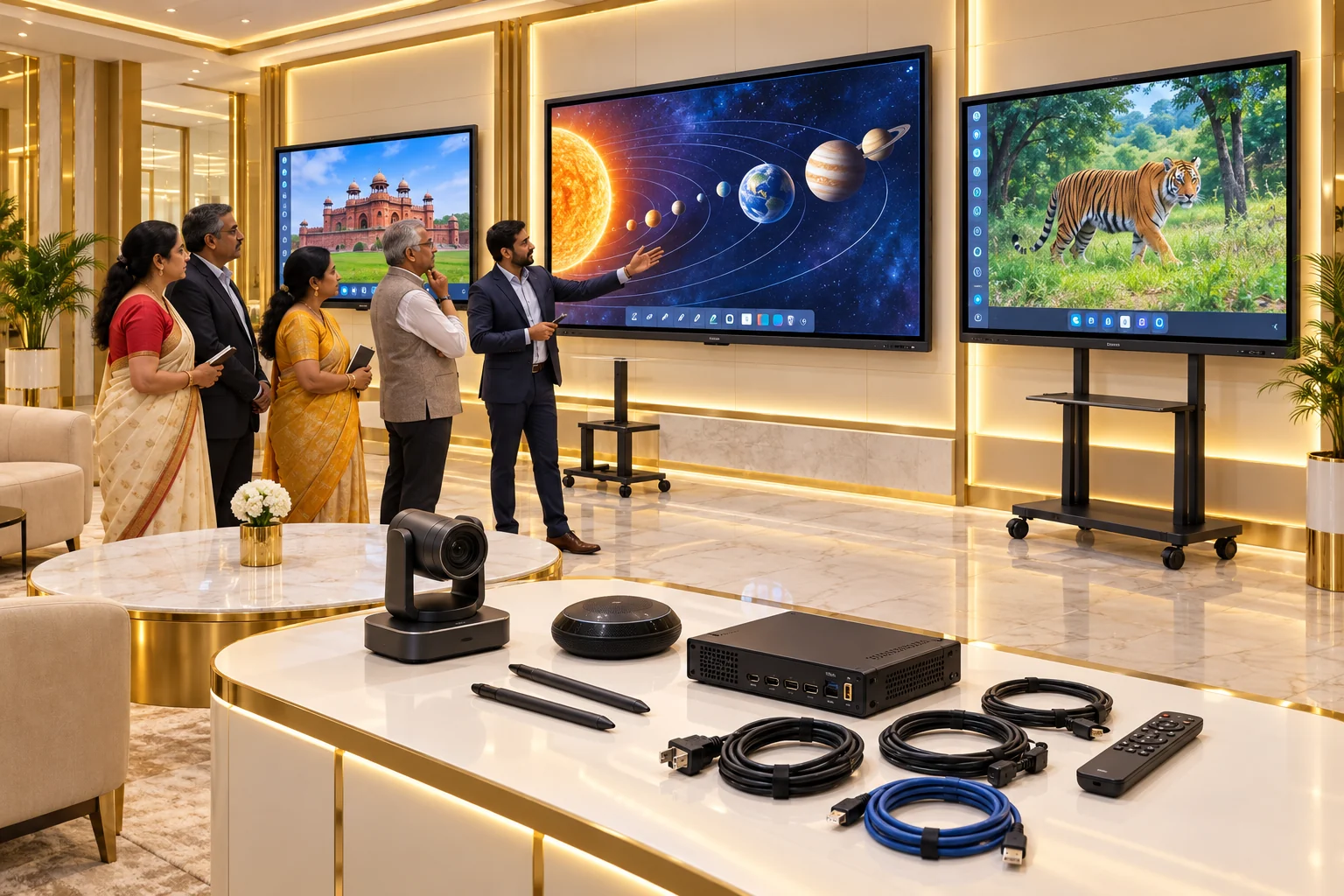
Panel, wall mount, HDMI cable, two touch pens, installation and basic training.
Basic package plus camera & mic, additional pens and useful accessories.
Panel, stand or wall mount, camera & mic, optional OPS, training and extended warranty.
Custom mounting, room AV integration, optional OPS, testing and priority support.
Prices exclude GST. Final configuration, warranty and service terms are confirmed in the quotation.
Build Custom Quote09 — Frequently Asked Questions
Everything you need before selecting an Interactive Flat Panel.
यह classroom के लिए large-format touch display है, जिस पर teacher लिख, annotate, explain, share और interactive content चला सकता है। Final configuration size, accessories, software और school requirement पर निर्भर करती है। इसका उपयोग करने का practical तरीका है: पहले students का level identify करें, फिर age-appropriate activity चुनें, short explanation दें, hands-on task कराएं और अंत में reflection या assessment लें। इस approach से product classroom activity बनता है, केवल display या equipment नहीं।
Best solution चुनते समय केवल lowest price न देखें। Curriculum quality, age-wise progression, equipment safety, teacher training, installation, warranty, replacement policy, measurable outcomes और post-sale support को एक checklist में compare करें। School के actual goals और budget के लिए live demo के बाद final decision लेना बेहतर रहेगा।
The final price for Multipurpose Interactive Flat Panel depends on capacity, selected modules or equipment, implementation, training and support. Share the institution type, location, participant or student count and available infrastructure so Smart Yantra Labs can provide an itemised proposal with inclusions, exclusions, taxes and service terms.
The final price for Multipurpose Interactive Flat Panel depends on capacity, selected modules or equipment, implementation, training and support. Share the institution type, location, participant or student count and available infrastructure so Smart Yantra Labs can provide an itemised proposal with inclusions, exclusions, taxes and service terms.
यह classroom के लिए large-format touch display है, जिस पर teacher लिख, annotate, explain, share और interactive content चला सकता है। Final configuration size, accessories, software और school requirement पर निर्भर करती है। इसका main benefit यह है कि students केवल सुनते नहीं, बल्कि करके सीखते हैं। सही timetable, trained teacher और regular assessment के साथ creativity, confidence, problem-solving, collaboration और practical understanding बेहतर हो सकती है। School को impact के लिए attendance, projects, assessments और student work का record रखना चाहिए।
यह classroom के लिए large-format touch display है, जिस पर teacher लिख, annotate, explain, share और interactive content चला सकता है। Final configuration size, accessories, software और school requirement पर निर्भर करती है। इसका main benefit यह है कि students केवल सुनते नहीं, बल्कि करके सीखते हैं। सही timetable, trained teacher और regular assessment के साथ creativity, confidence, problem-solving, collaboration और practical understanding बेहतर हो सकती है। School को impact के लिए attendance, projects, assessments और student work का record रखना चाहिए।
Support plan में installation के बाद orientation, troubleshooting, consumable या kit replacement, software/content updates, warranty और escalation process साफ लिखा होना चाहिए। Purchase से पहले school को response time, responsible contact, exclusions और renewal cost लिखित में confirm कर लेना चाहिए।
Support plan में installation के बाद orientation, troubleshooting, consumable या kit replacement, software/content updates, warranty और escalation process साफ लिखा होना चाहिए। Purchase से पहले school को response time, responsible contact, exclusions और renewal cost लिखित में confirm कर लेना चाहिए।
हाँ, इसके लिए Smart Yantra Labs से demo या consultation request की जा सकती है। Request में school का city, classes, approximate student strength, available room और requirement लिख दें। इससे team सही demo, package और next-step proposal तैयार कर पाएगी।
यह classroom के लिए large-format touch display है, जिस पर teacher लिख, annotate, explain, share और interactive content चला सकता है। Final configuration size, accessories, software और school requirement पर निर्भर करती है। इसका उपयोग करने का practical तरीका है: पहले students का level identify करें, फिर age-appropriate activity चुनें, short explanation दें, hands-on task कराएं और अंत में reflection या assessment लें। इस approach से product classroom activity बनता है, केवल display या equipment नहीं।
10 — Delivering Real Impact
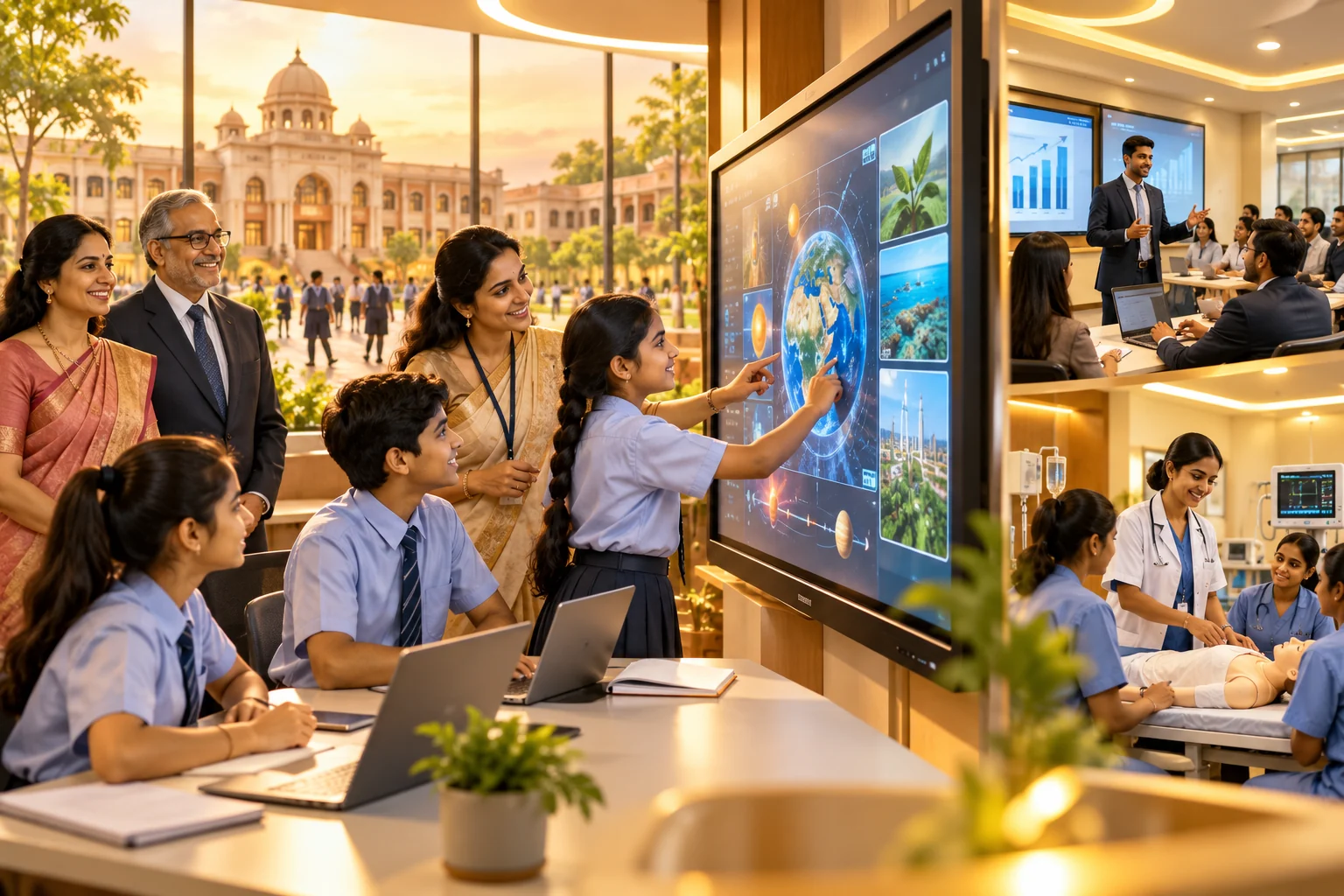
Interactive environments improve participation, practical understanding, presentation quality and access to offline, online and hybrid experiences.
Get a demo, receive a space-specific quotation or discuss a partnership.
Know Your School's Health ReportPlanning guides
Compare classroom fit, software, content, training and support—not screen size alone.
Read guideInteractive Flat Panel Installation and Teacher Adoption. A practical guide for school leaders planning panel installation and adoption.
Read guideInteractive Flat Panel Classroom Workflow and Lesson Design. A practical guide for school leaders planning interactive teaching.
Read guideYour privacy choices
Essential browsing always works. Optional permissions are your choice and can be changed later.