
Neev Spark Explorer Lab • 6 min
Neev Spark Explorer Lab Setup for Primary Schools
Create a primary-school exploration lab that moves from curiosity to structured making and explanation.
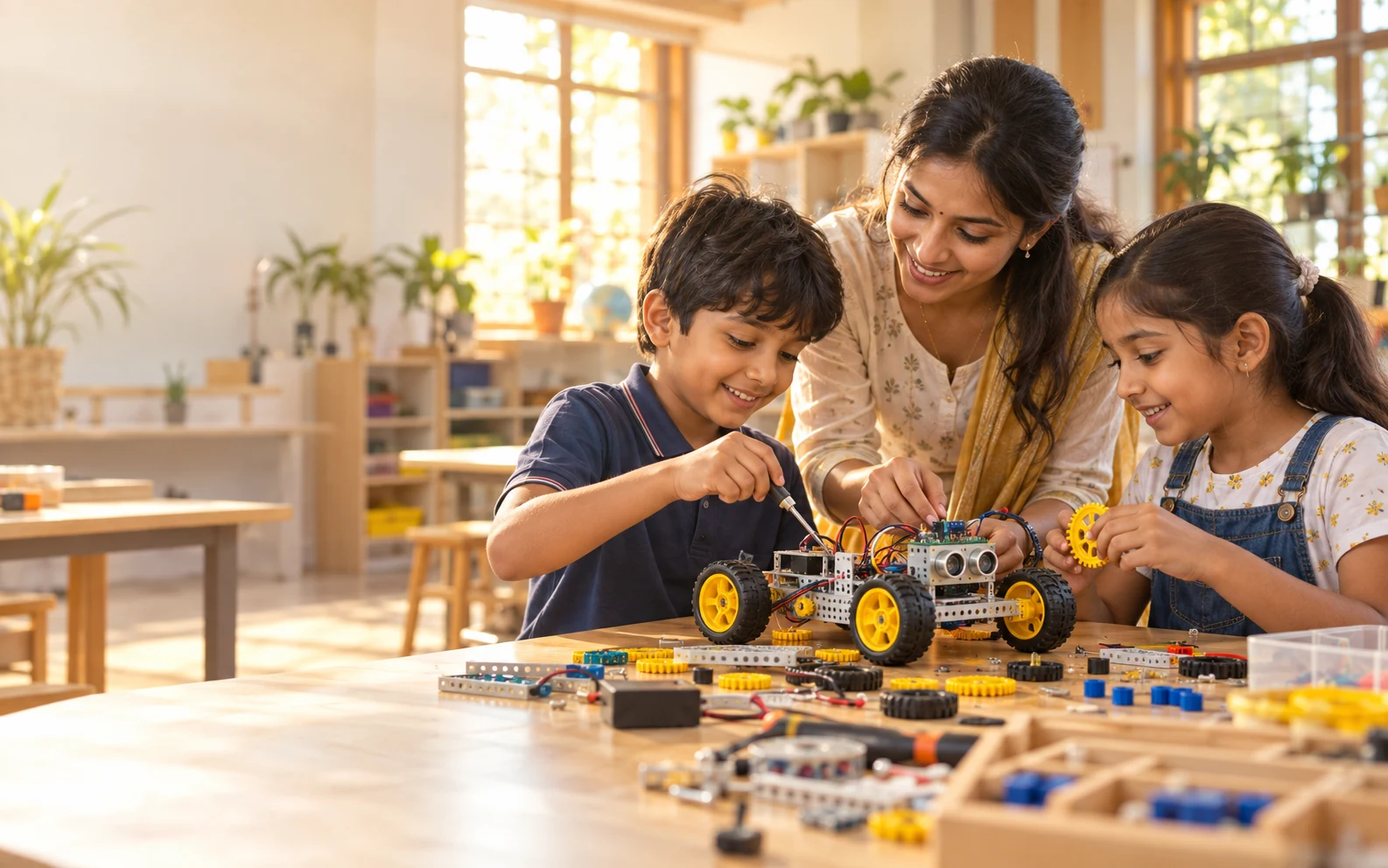
Plan for primary learners
Set the lab around short challenges, visible instructions, safe tools and enough duplicate materials for small groups. The room should support both teacher demonstration and independent exploration.
Connect exploration to subjects
Use measurement, habitats, materials, local problems and simple machines as bridges between science, maths, language and art. Each activity should end with a recordable observation or explanation.
Prepare teachers for facilitation
Teacher training should cover setup, questioning, grouping, safety and reflection. The goal is confident facilitation, not a scripted performance.
This setup guide turns primary school discovery lab setup into an operating plan for primary-school leaders and Classes 1–5 teachers. It starts with users, timetable and space, then connects procurement to small-group discovery, block coding, simple mechanisms and cross-curricular making. The result should be a usable weekly routine, not an impressive room that teachers struggle to run.
Before approval, write down the assumptions that could change the result: room readiness, active learner capacity, staff ownership, timetable, connectivity, consumables, maintenance and review cadence. For this solution, pay particular attention to safe tools, visible instructions, balanced group roles and manageable workstation capacity. Any policy, compatibility, security or outcome claim should be checked against the current source and the provider's written scope.
Implementation steps
Confirm users and intended outcomes
Document who will use Neev Spark Explorer Lab, how often and what teachers or school leaders need to observe.
Validate room and operating readiness
Check the space, timetable, infrastructure, supervision and safe tools, visible instructions, balanced group roles and manageable workstation capacity.
Rehearse before full launch
Run a small pilot around small-group discovery, block coding, simple mechanisms and cross-curricular making, record issues and adjust responsibilities.
Review and improve
Use activity journals, annotated models, group explanations and teacher rubrics to decide what needs support, replenishment or a later phase.
Questions to settle before the next decision
- What equipment is needed
- How many students can use one workstation
- What teacher training is provided
- Can an existing computer room be used
- How does Neev Spark Explorer Lab work in a school
| Review area | Evidence to request | Warning sign |
|---|---|---|
| Learning or operating fit | small-group discovery, block coding, simple mechanisms and cross-curricular making | Equipment or features without a timetable workflow |
| Teacher and team readiness | Named owner, rehearsal and follow-up plan | One demonstration described as complete adoption |
| Evidence | activity journals, annotated models, group explanations and teacher rubrics | Outcome promises without a measurement method |
| Commercial scope | Itemised inclusions, exclusions and recurring needs | A headline price with unstated assumptions |
Planning references
Primary guidance and further reading
These references support the policy and implementation principles in this guide. Confirm product-specific features, compatibility and commercial scope in the current written proposal and demonstration.
Planning questions
Frequently asked questions
Which classes can use Neev Spark?
It is intended for primary learners, with tasks adjusted for age, reading ability, motor skills and prior experience.
How should groups work in the lab?
Small groups with clear roles such as builder, observer, materials lead and reporter help every learner participate.
What equipment is needed?
Neev Spark typically needs reusable construction parts, simple mechanisms, beginner electronics, sensors, block-coding devices, measurement tools, storage and enough duplicate sets for small groups.
How many students can use one workstation?
Capacity depends on table size and kit duplication. Plan small groups of roughly three to five learners and confirm that each workstation gives every child a meaningful role.
What teacher training is provided?
Training should cover activity setup, block coding, safe component handling, group roles, questioning, troubleshooting, assessment and rehearsal of the first lessons, followed by refresher support.
Can an existing computer room be used?
Yes, if the computer room has suitable tables, power, storage, circulation and supervision. A site check should identify changes needed before mixing computers with hands-on materials.
How does Neev Spark Explorer Lab work in a school?
Learners rotate through small-group challenges while teachers facilitate a predict-build-test-explain routine and retain journals, models and explanations as evidence.
Related guides
Continue planning this solution
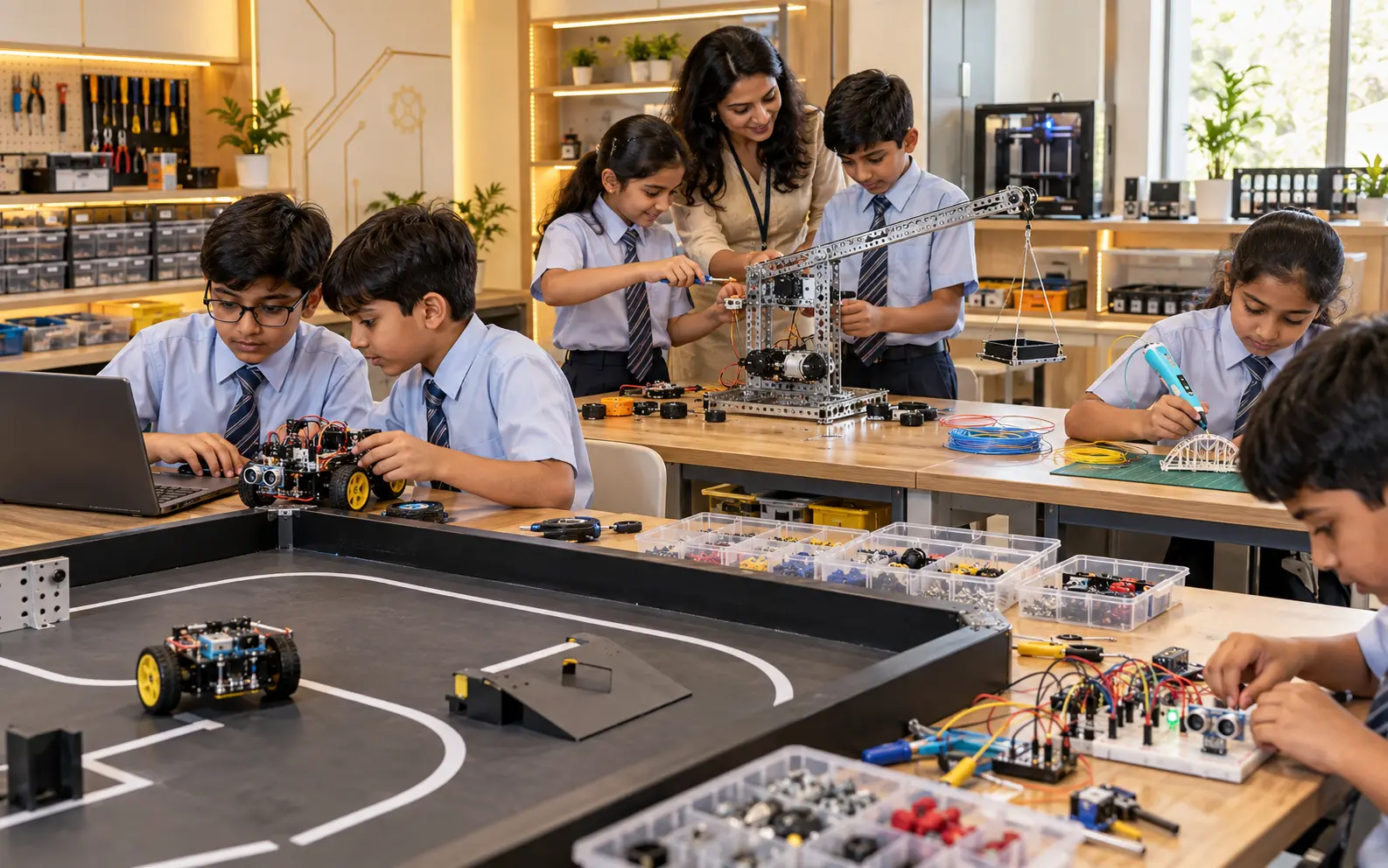
Primary STEM Exploration: Projects, Outcomes and Evidence
Use practical projects to build observation, collaboration and explanation skills across primary grades.
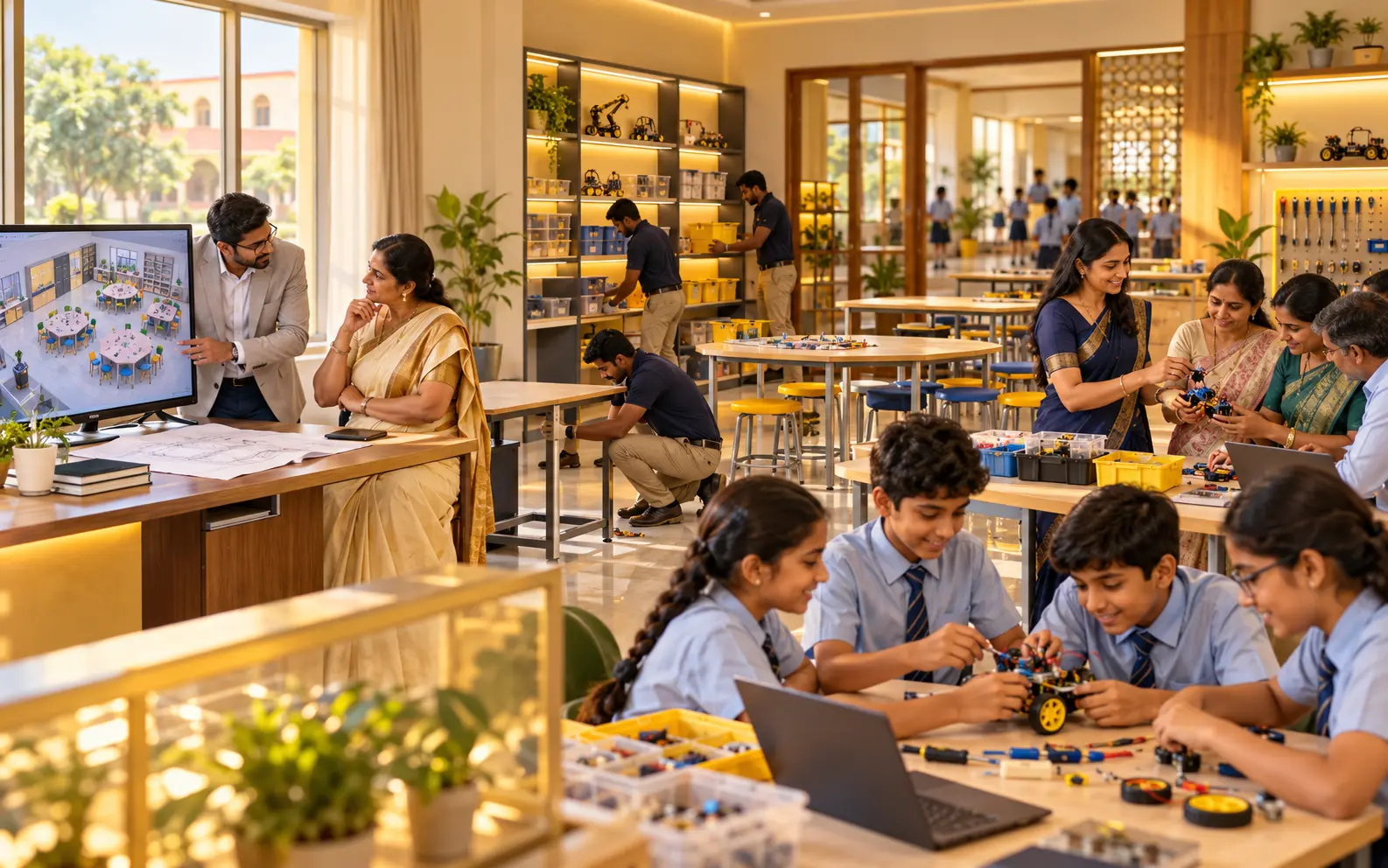
Choosing a Primary Explorer Lab: Equipment, Pricing and Support
A practical buying checklist for schools comparing primary exploration lab providers and implementation plans.